Notifications
Settings › Notifications has three switches.
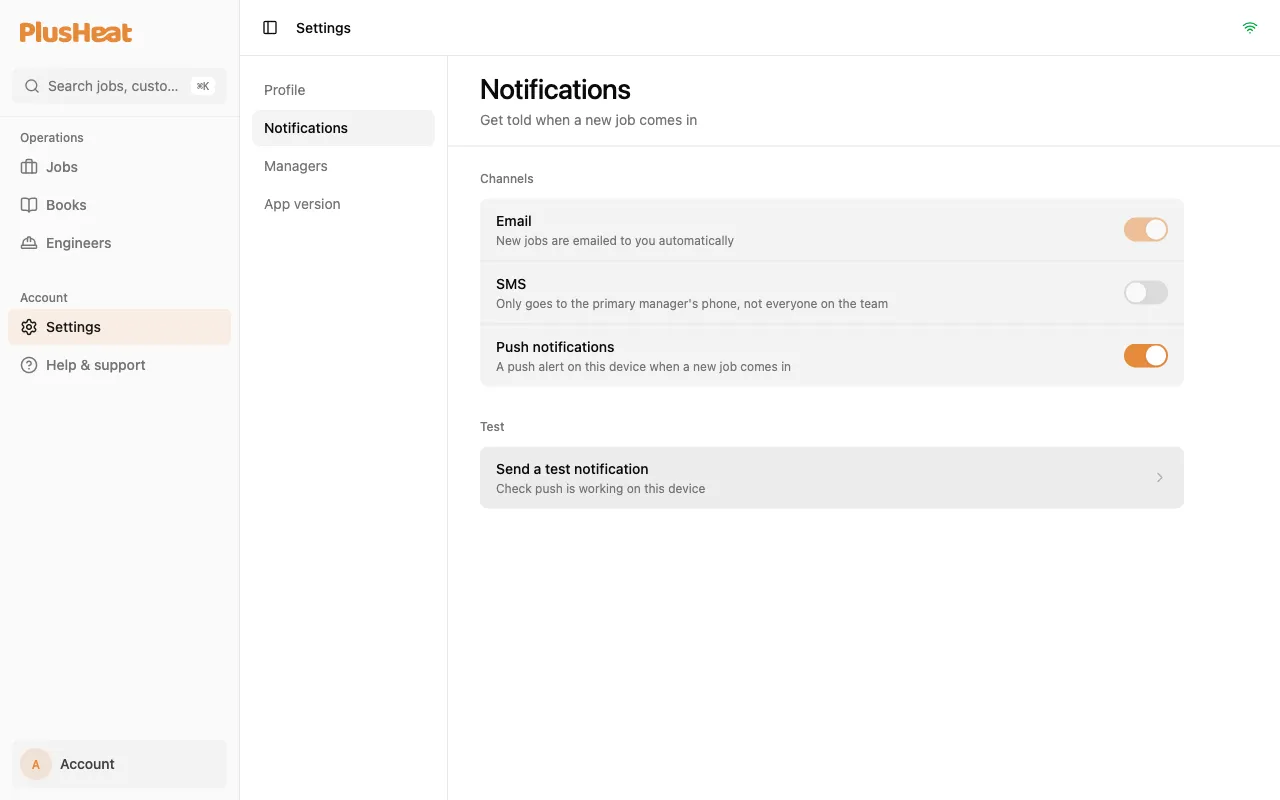
| Channel | What it sends | Who gets it |
|---|---|---|
| Every job offer. Always on. | Every manager on your account. | |
| SMS | A text for each new offer. | The primary manager’s phone only. |
| Push | An alert on this device for each new offer. | This device. Turn it on on each phone or computer you use. |
Turning push on
Section titled “Turning push on”-
On the device you want alerts on, open the app and go to Settings › Notifications.
-
Switch Push notifications on. The browser asks permission — allow it.
-
Press Send a test notification to check it lands.
The bell in the top bar is a shortcut to this page and disappears once push is on.
If it says “Blocked in your browser”
Section titled “If it says “Blocked in your browser””You said no to the permission at some point. Allow notifications for app.plusheat.io in the browser’s site settings, then come back and switch it on.