Books
Books is the record. The board is what’s happening; Books is what happened.
Two tabs: Reports and Purchase orders.
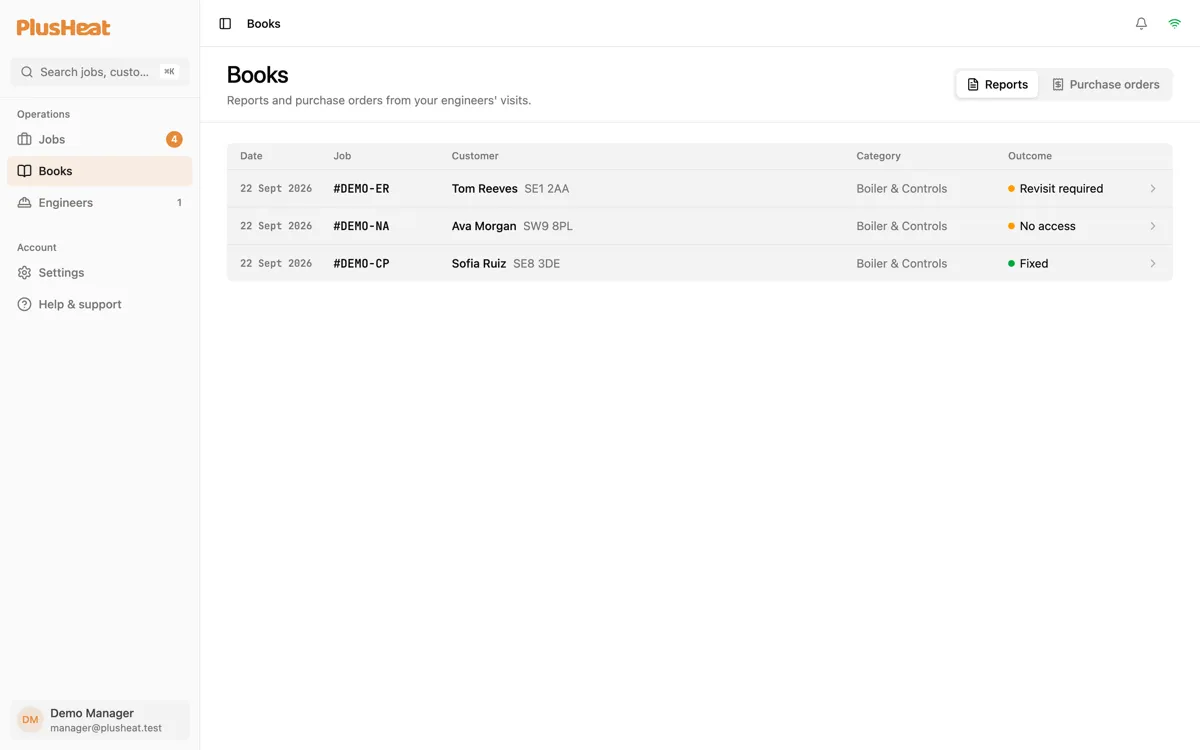
Reports
Section titled “Reports”One row per visit. The columns are the date, the job number, the customer, the category, and the outcome:
| Outcome | Meaning |
|---|---|
| Fixed | Done on the day. |
| No issue | Attended, nothing wrong found. |
| Revisit required | Parts needed — expect a quote. |
| No access | Nobody home. The job is waiting for a new date. |
| AR/ID | Additional repair or investigation needed — expect a quote. |
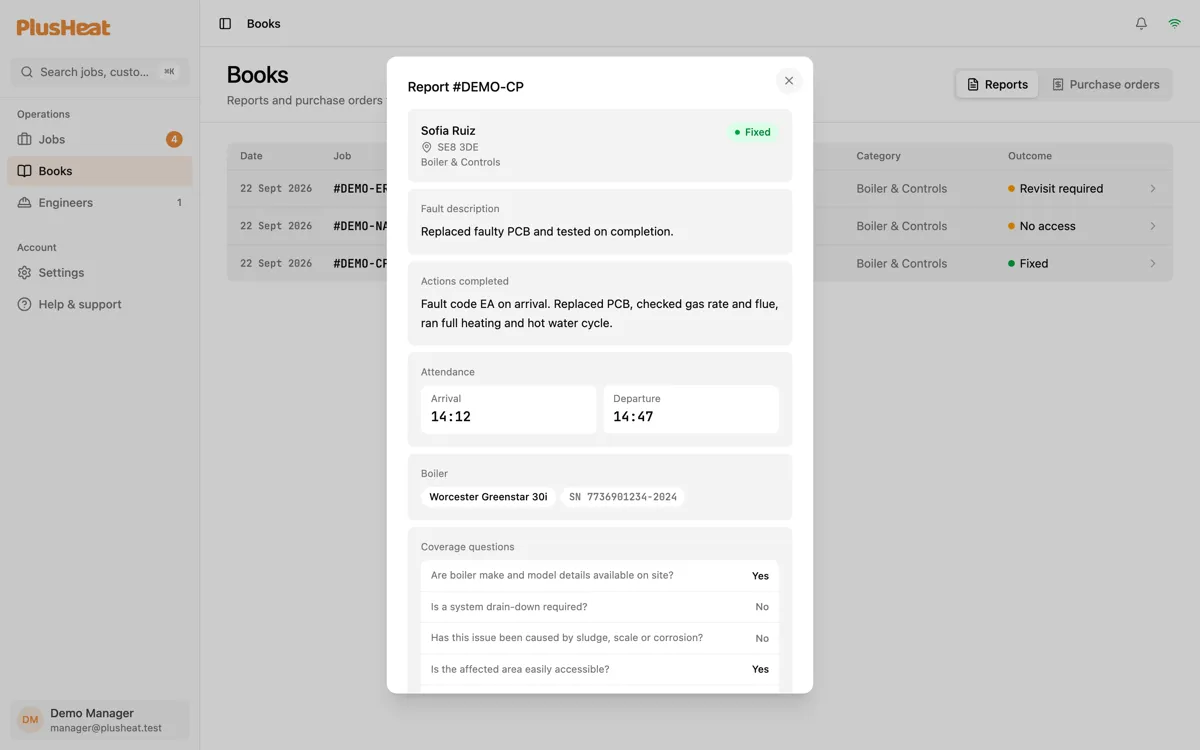
Click a row for the full report: the engineer’s notes, the photos, arrival and departure times, the answers to the safety questions.
Certificates
Section titled “Certificates”Certificates have no tab of their own — they belong to the report that produced them. A Gas Safety (CP12) or Boiler service record is issued from the engineer’s report when the job is that category and the outcome allows it.
Open the report and the certificate is at the bottom, as a PDF you can download or send. The customer receives theirs automatically. A job’s certificates are also listed on the job page itself.
Purchase orders
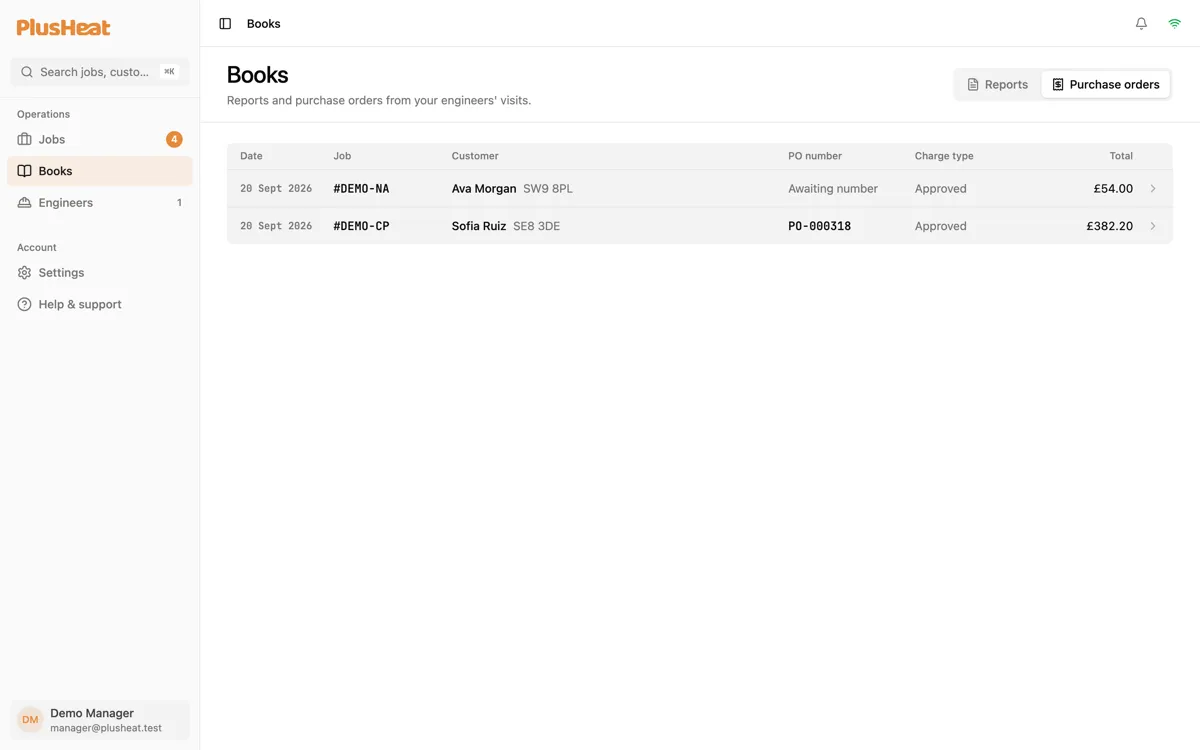
Section titled “Purchase orders”The Purchase orders tab lists every PO raised for your company — one per completed visit, with the PO number once PlusHeat’s accounts system has issued it (“Awaiting number” until then), the charge type, and the total.
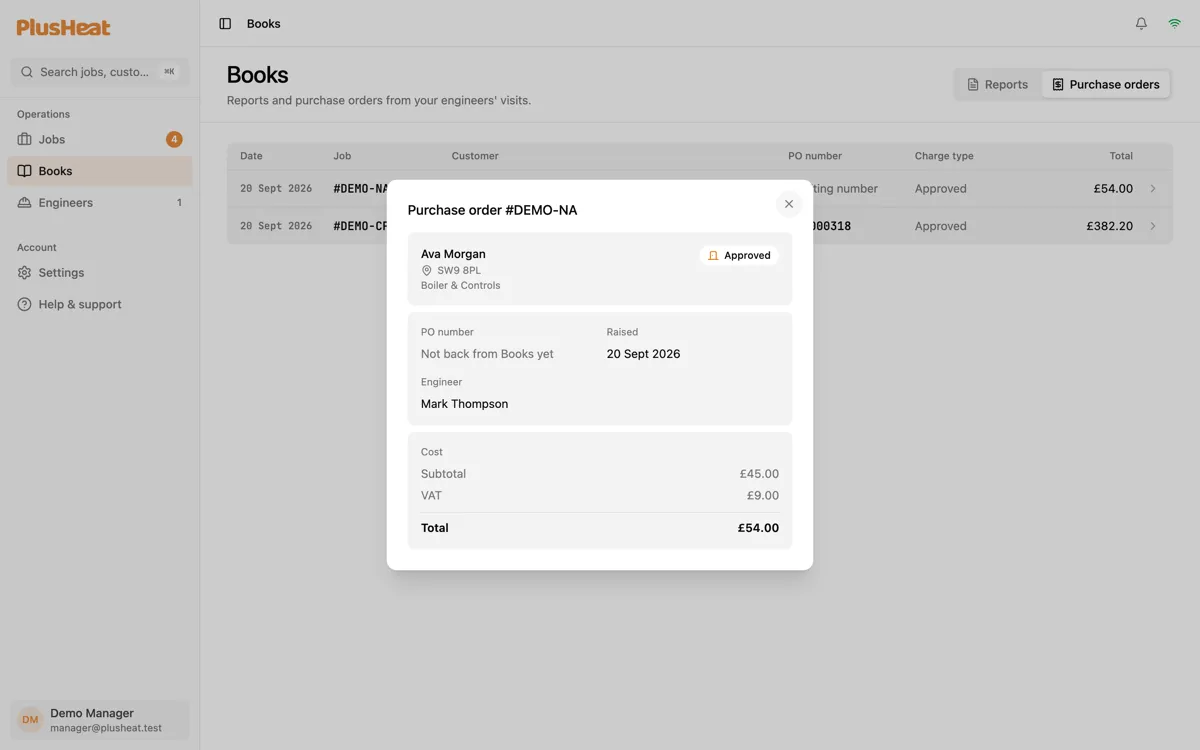
Click a row for the breakdown.
Searching
Section titled “Searching”⌘K finds reports and POs by job number as well as live jobs.